
FrugalityFirst

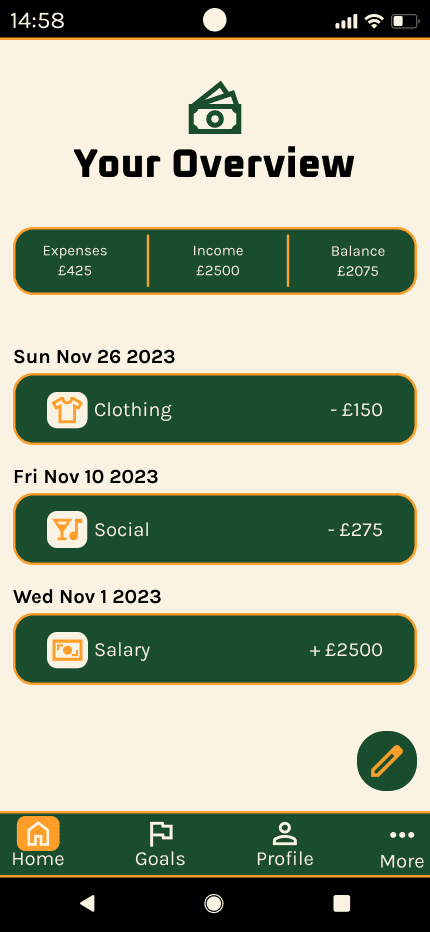
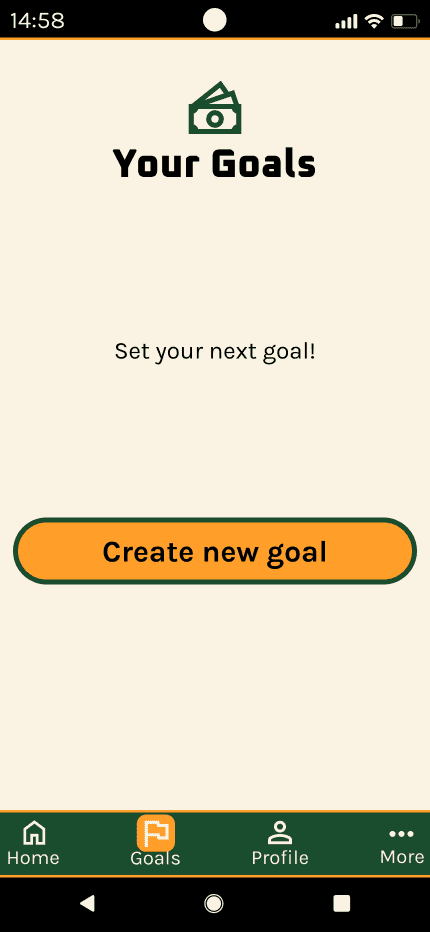
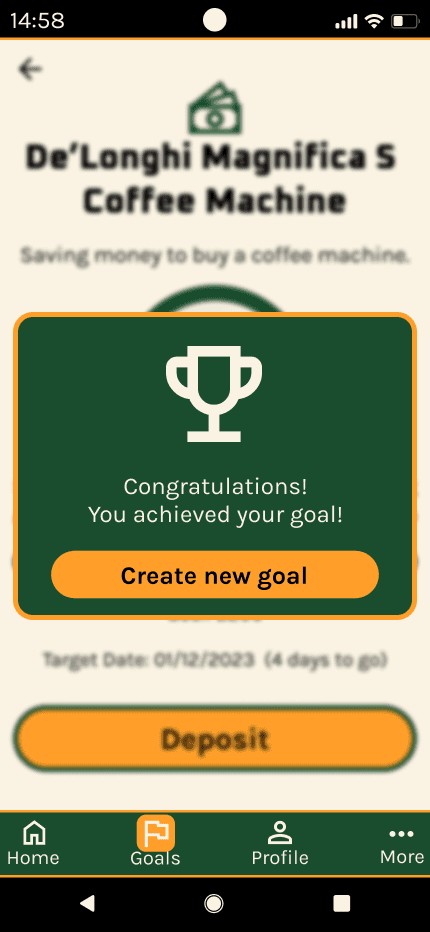
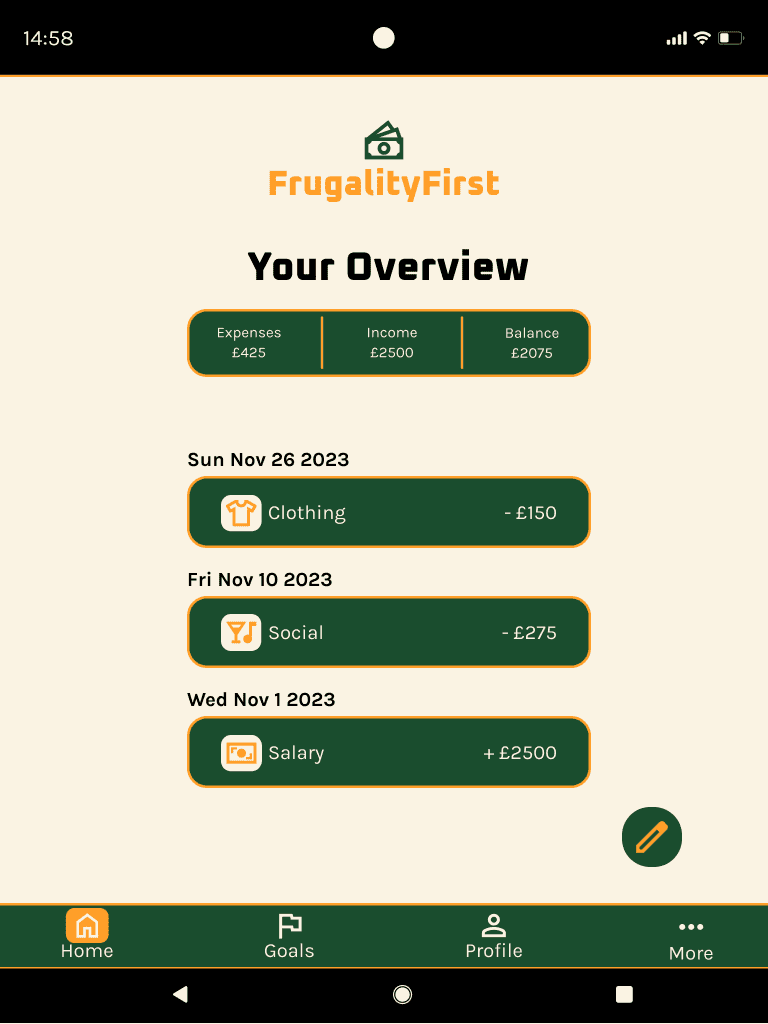
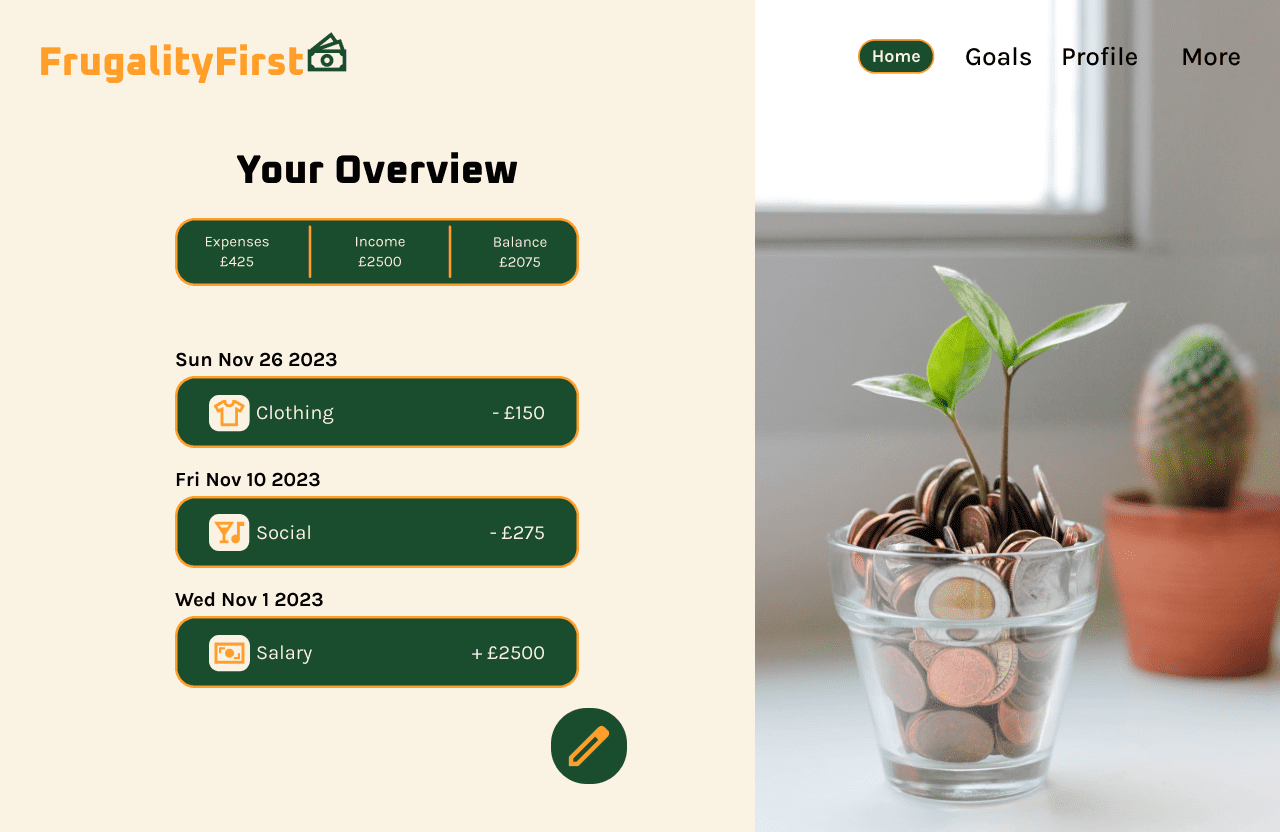
This project is about providing users with a guide to save money quickly and cover the cost of a big expenditure. It includes designed screens showcasing an overview of the user's finances. As well as features allowing users to state when their saving goal is and how long they have to achieve it. It also notifies and rewards users when a saving goal has been met.
My Process
Objective
To design a money saving app to help users save money for purchasing a large expenditure. Also, to provide users feedback regarding their finances. In addition, the app is to help users be more cautious with their financial information.
User Flow
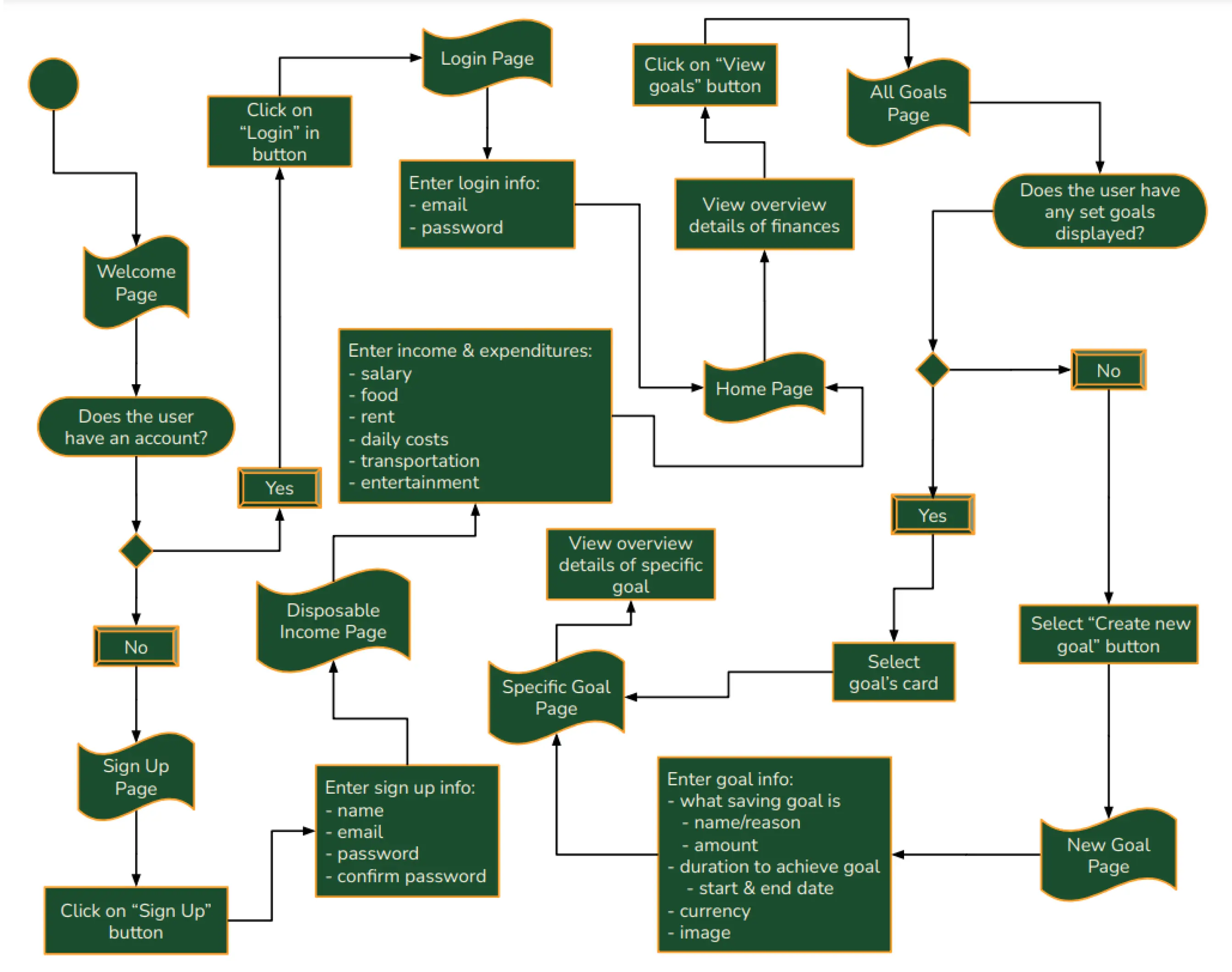
Google Drawings was used to create the user flow. It shows how users can move from one webpage to the next on the money saving app.
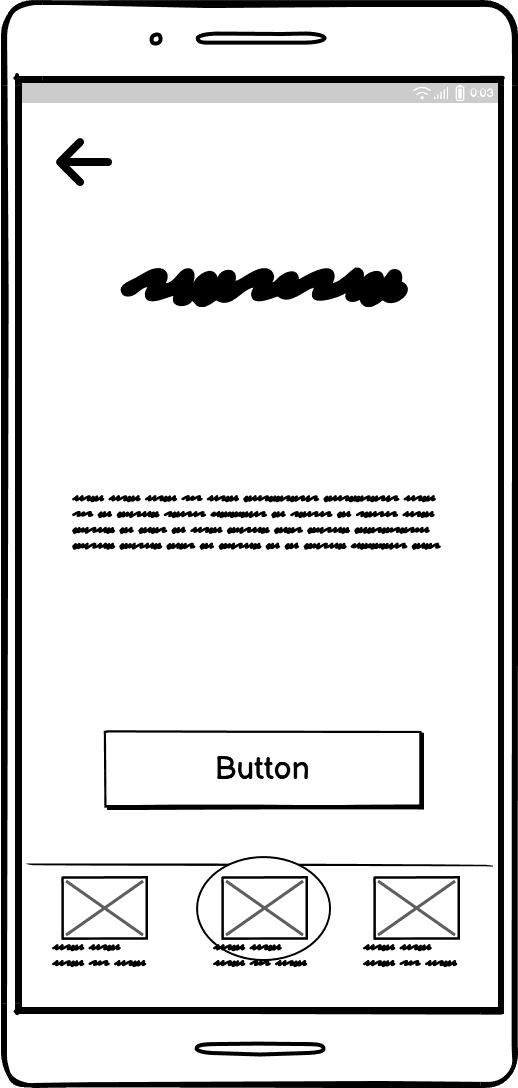
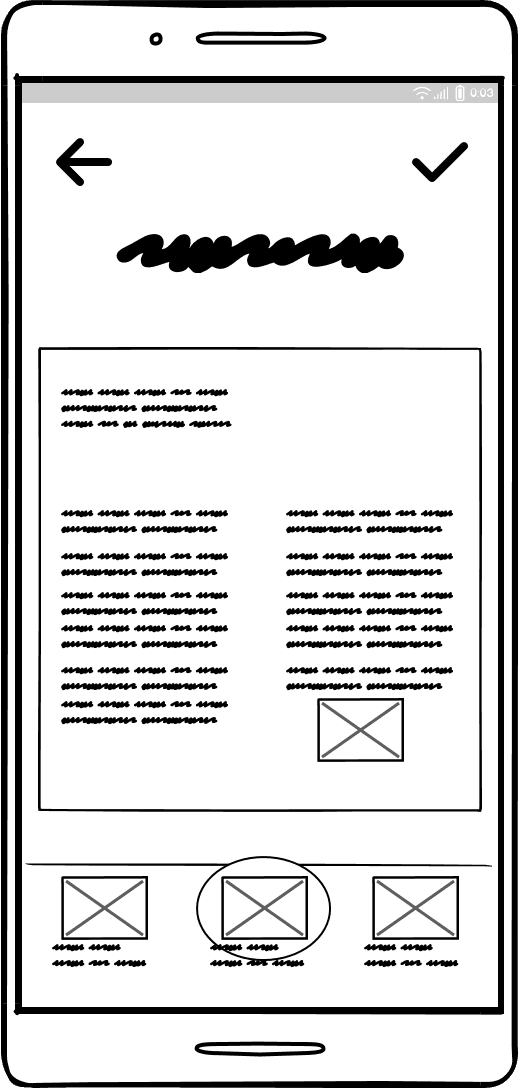
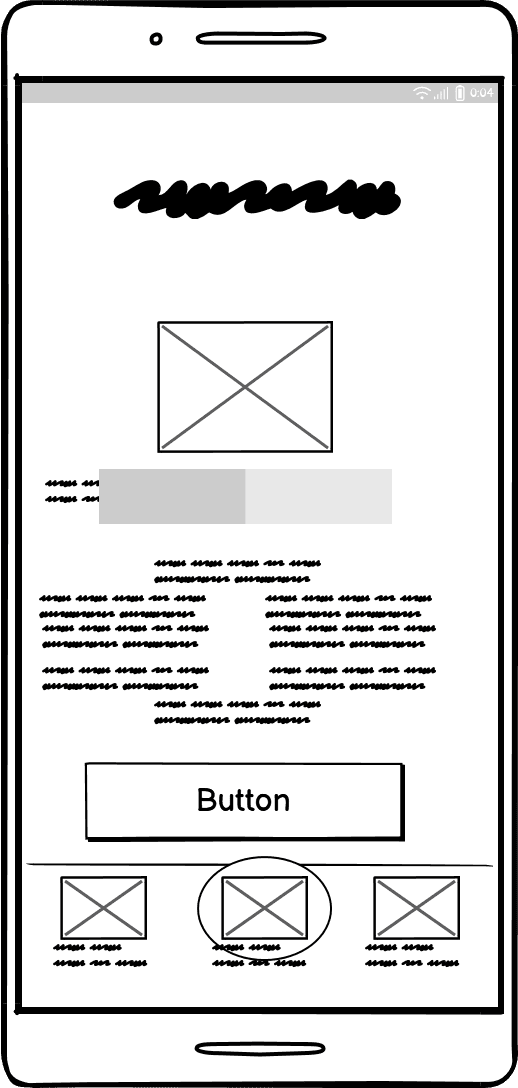
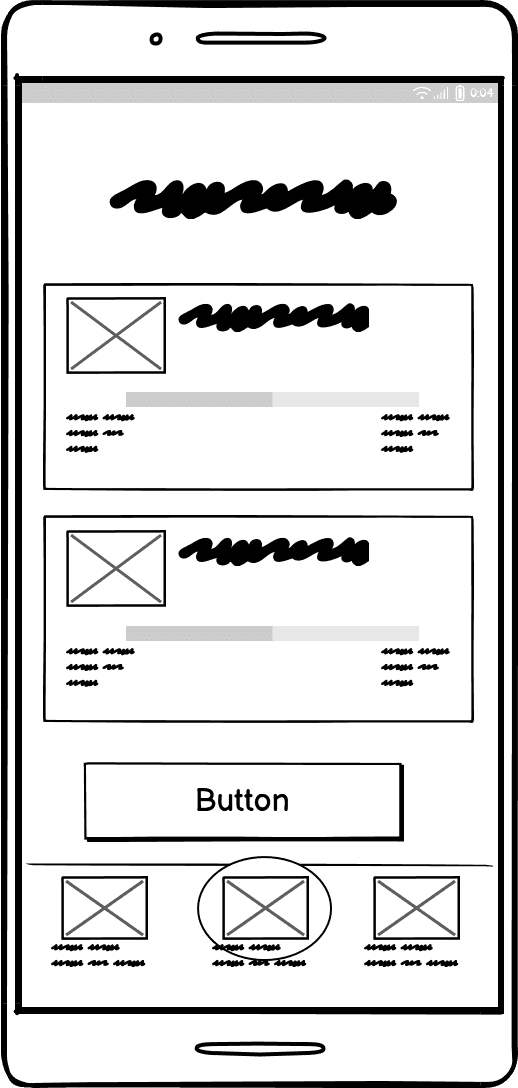
Low-fi wireframes
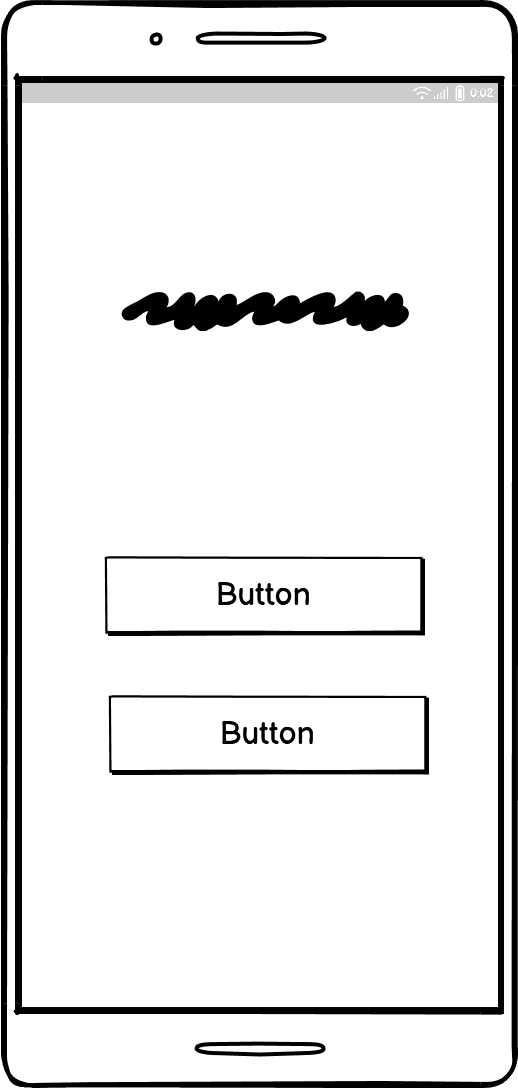
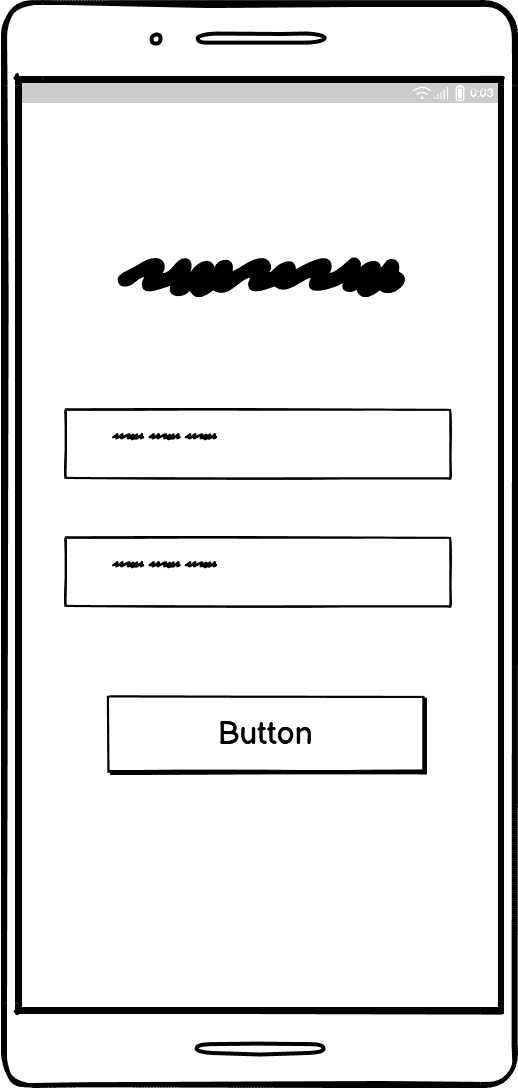
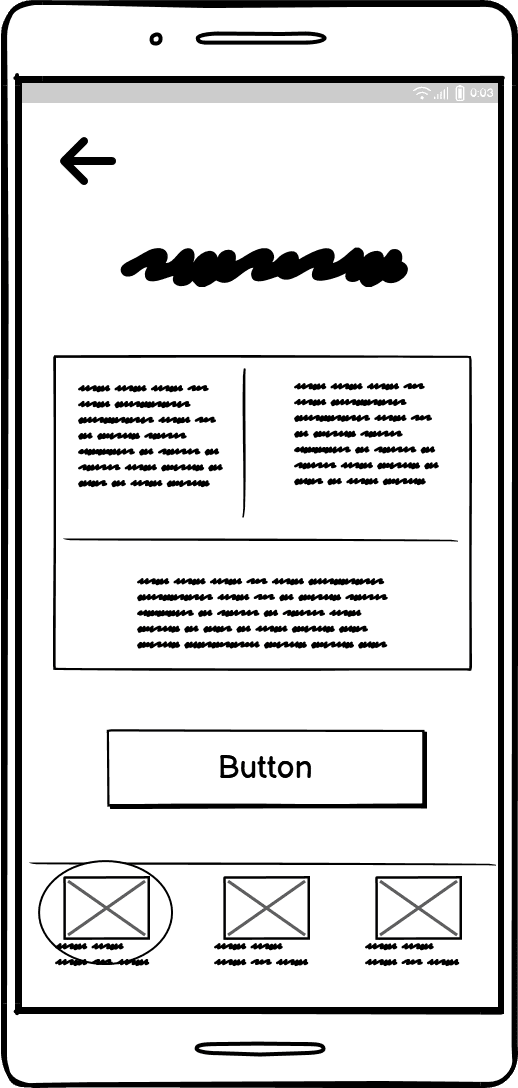
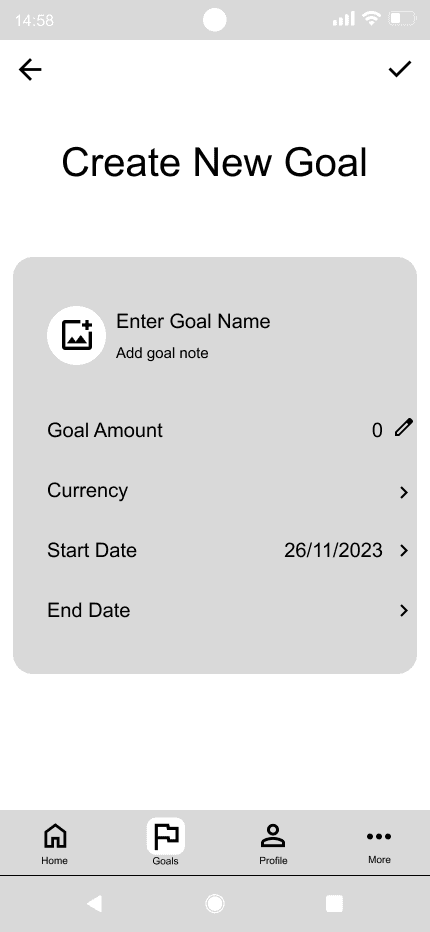
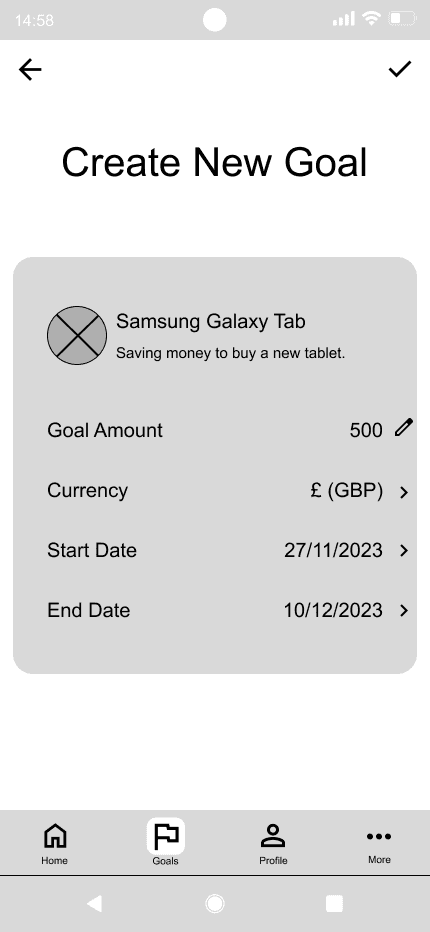
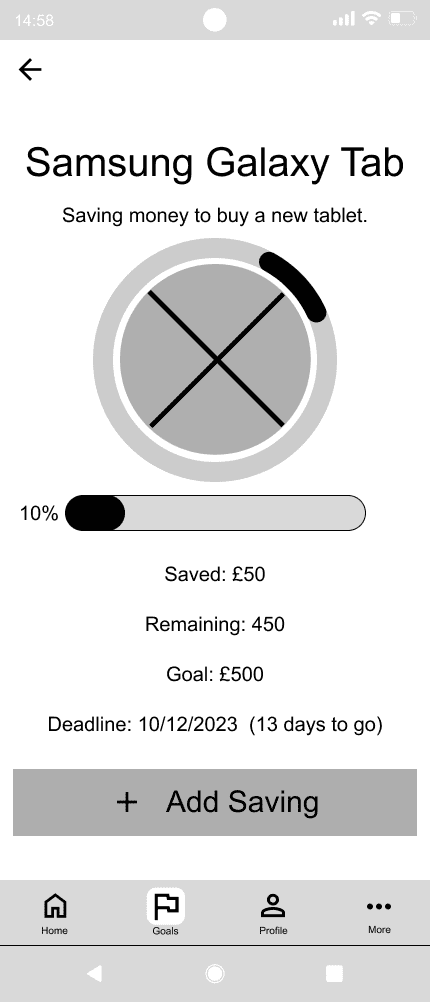
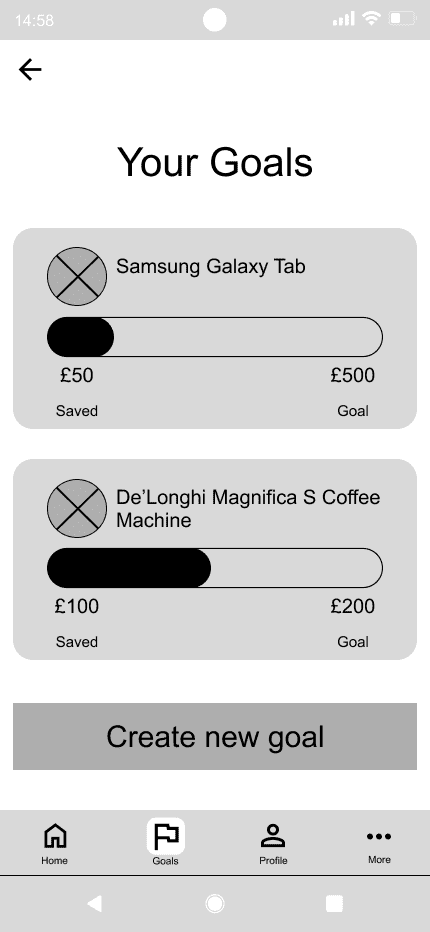
Balsamiq Wireframes was used to arrange the placement of different components and elements used for each page.
Mid-fi wireframes
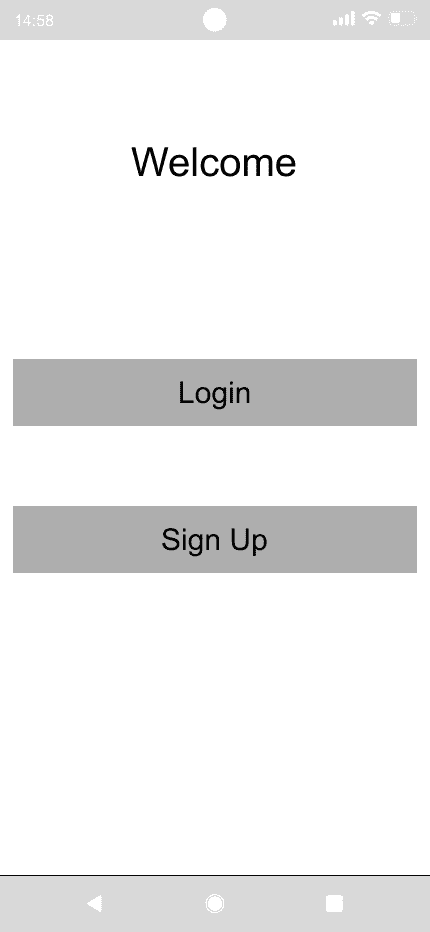
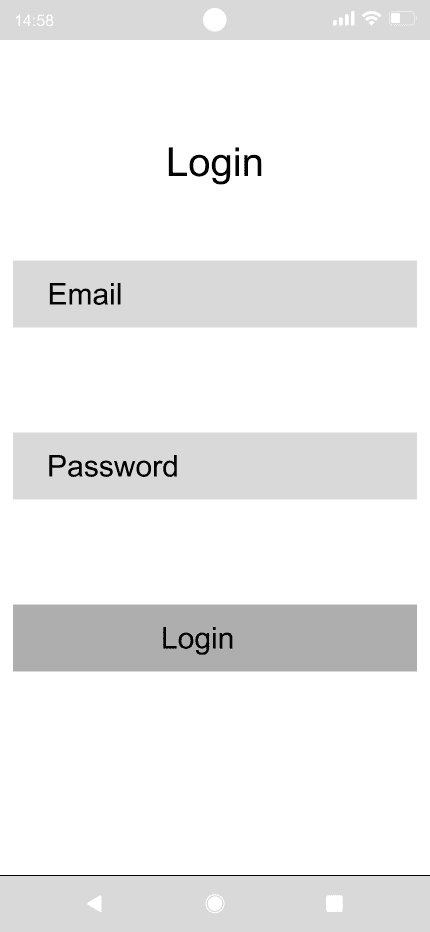
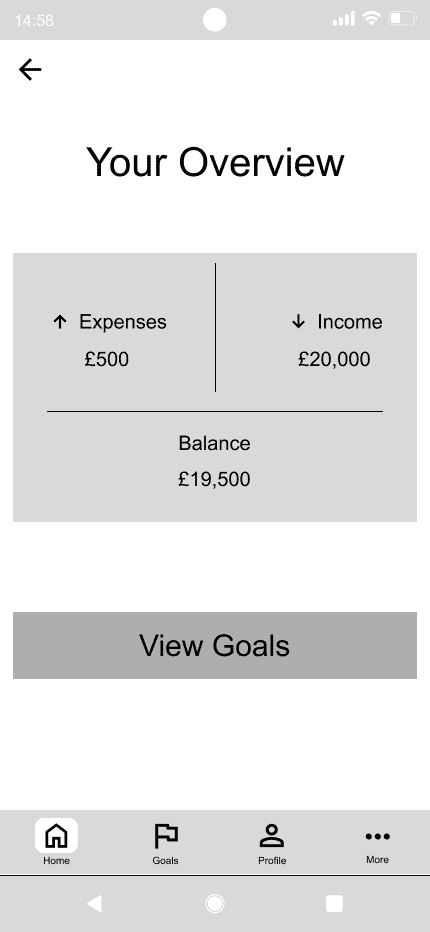
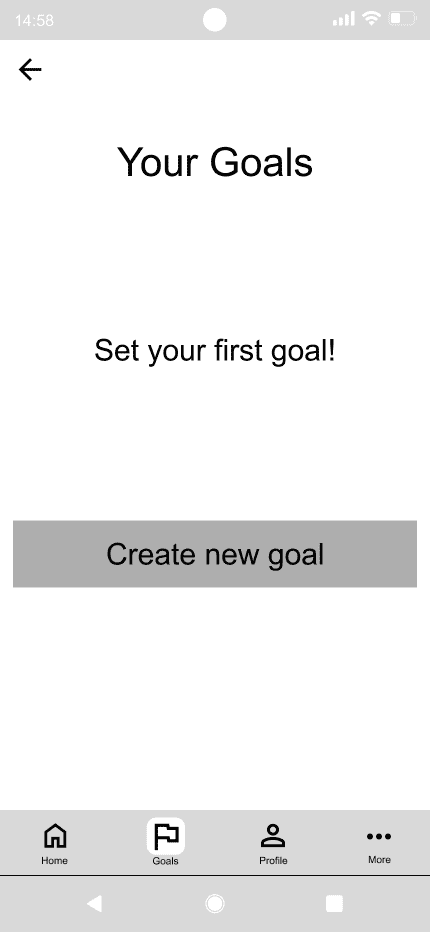
Figma was used to edit the arrangement of the selected components and elements used for each page. Real text was added to buttons, titles, sub-headings, paragraph sections, etc.
Hi-fi wireframes
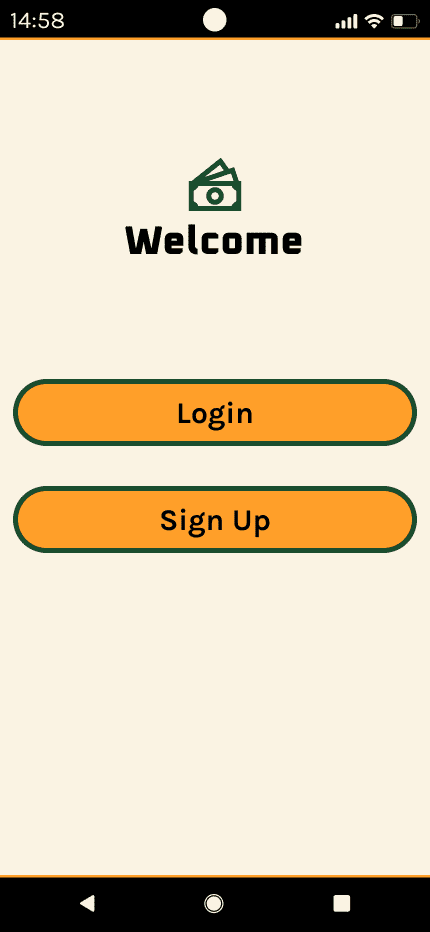
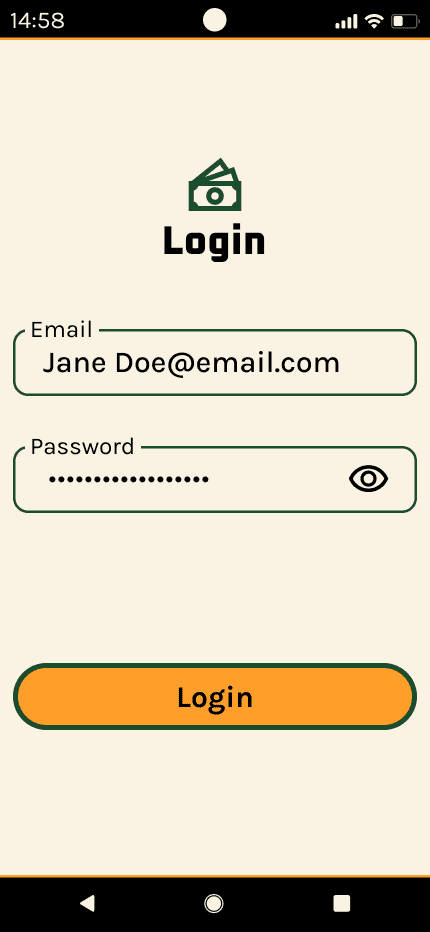
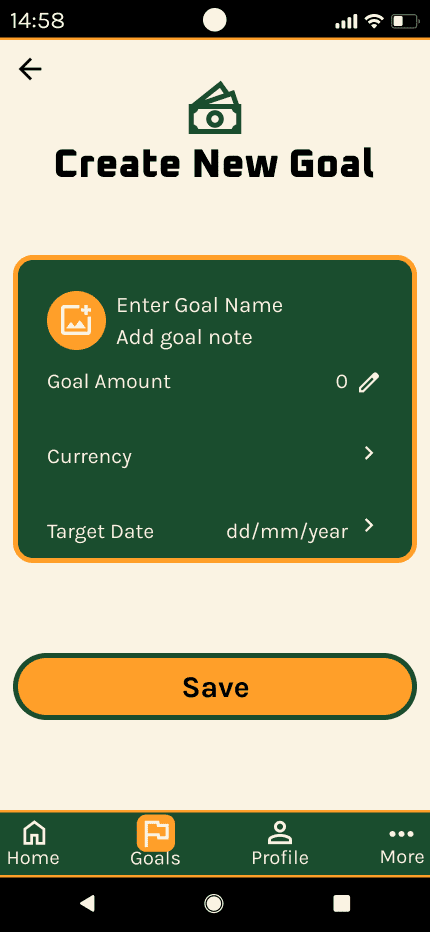
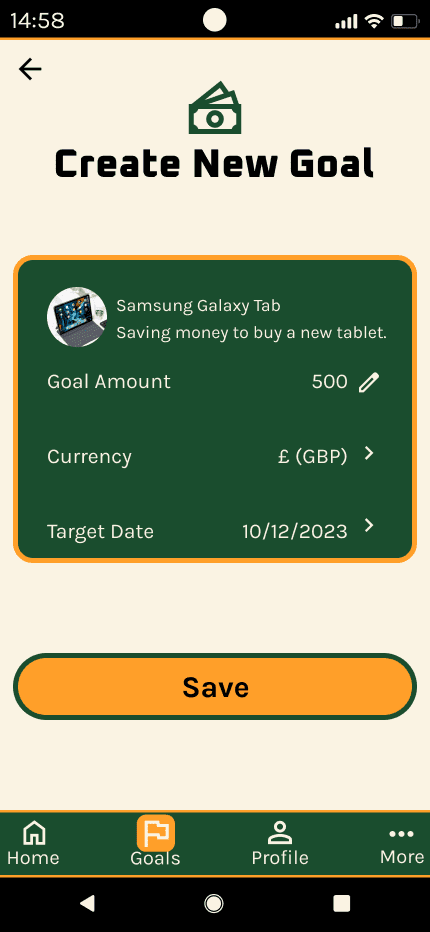
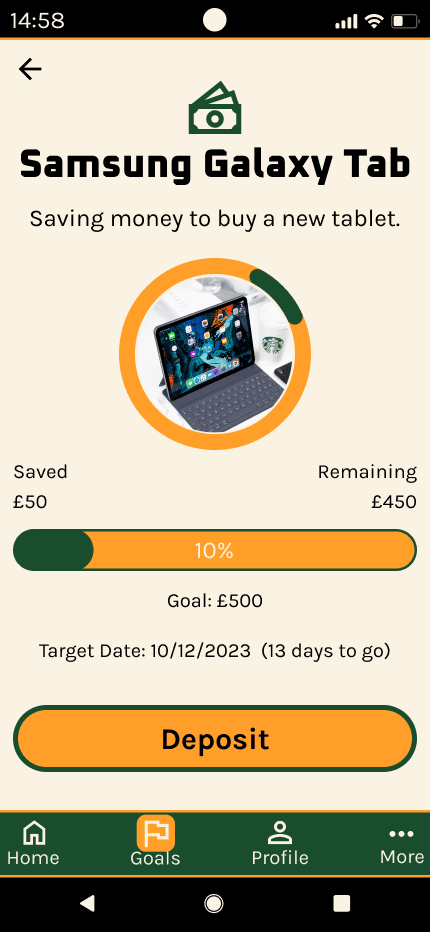
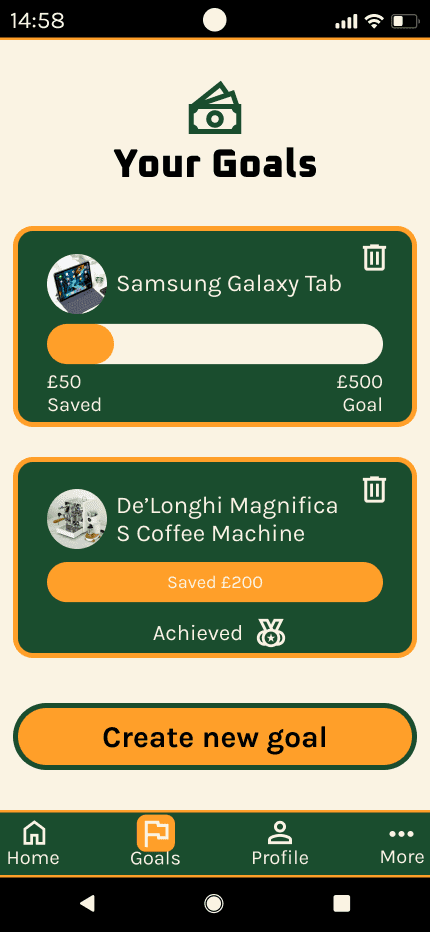
Figma was used to add colour to the wireframes, using a colour scheme from the style guide. The style guide's typography was also applied at this stage.
-tablet.png)
-laptop.png)
-tablet.png)
-laptop.png)
-tablet.png)
-laptop.png)
Mockups
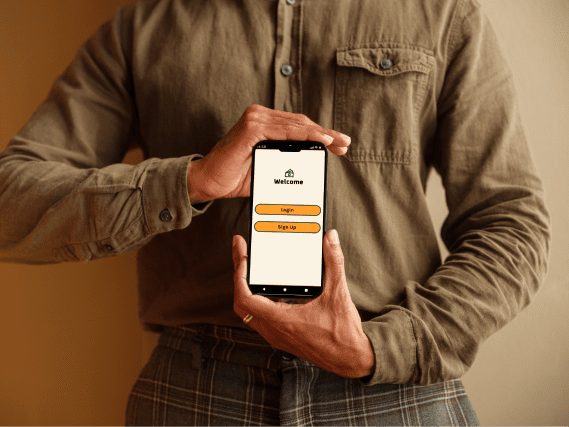
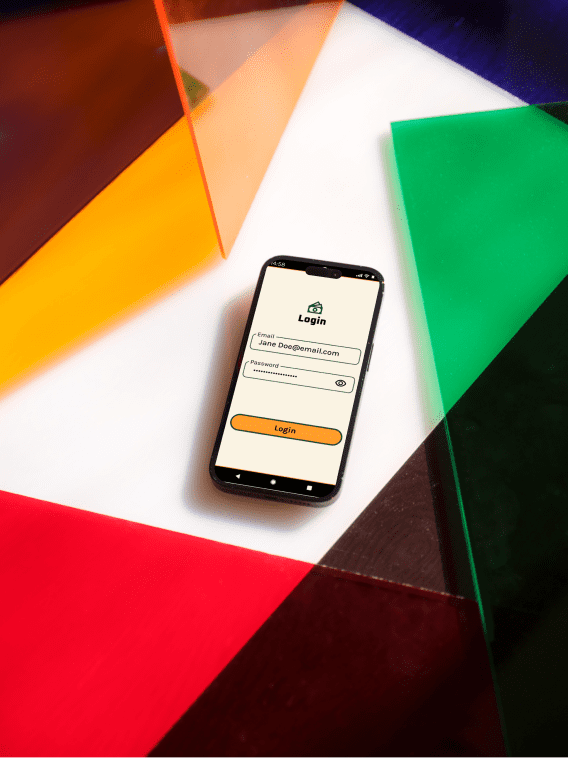
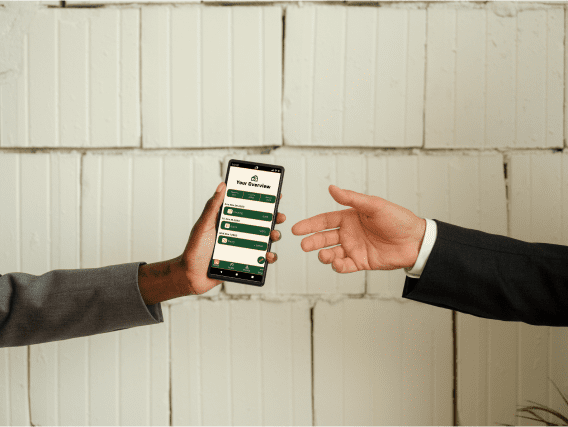
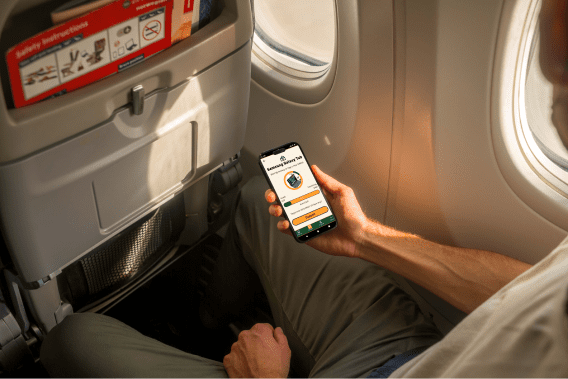
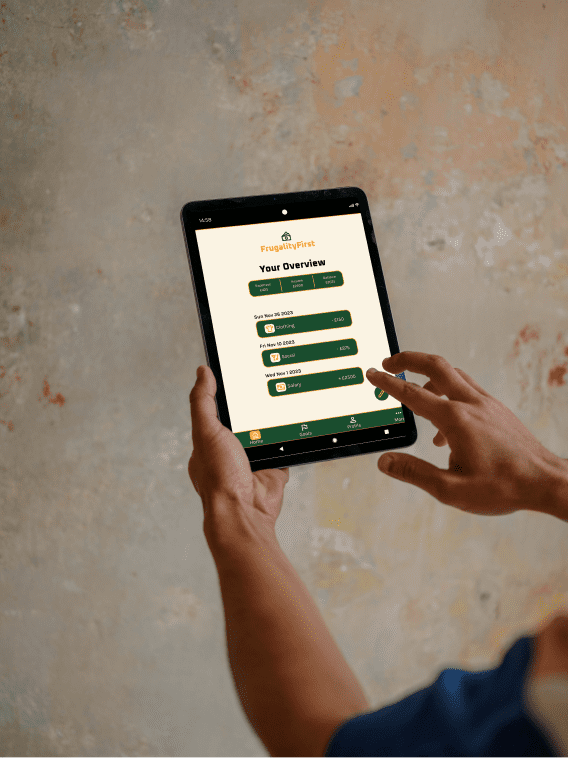
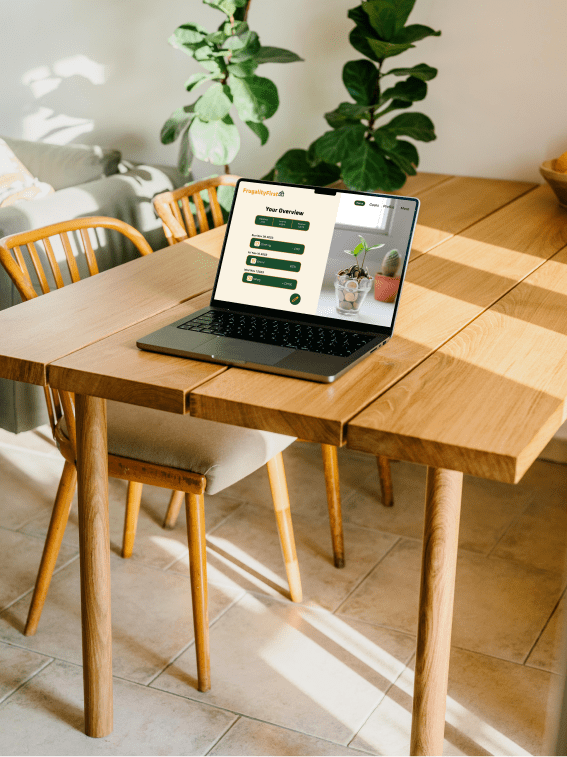
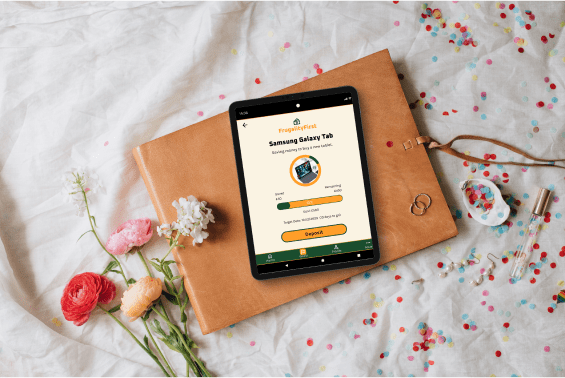
These mockups illustrate that this web app design is responsive. They show how they look on different screen sizes on various devices. These devices include: mobile phones, tablets and desktop screens.
-mobile.png)
-mobile.png)
-mobile.png)
-mobile.png)
-mobile.png)
-tablet.png)
-laptop.png)
-laptop.png)
-tablet.png)
-laptop.png)
Conclusion
This app design provides screens that help users save money for purchasing costly items. It allows users to enter a time period they want for saving money and rewards them with a message once they meet their saving goal. As a result, this app helps users be more cautious with their financial information.